Questionnaire Settings
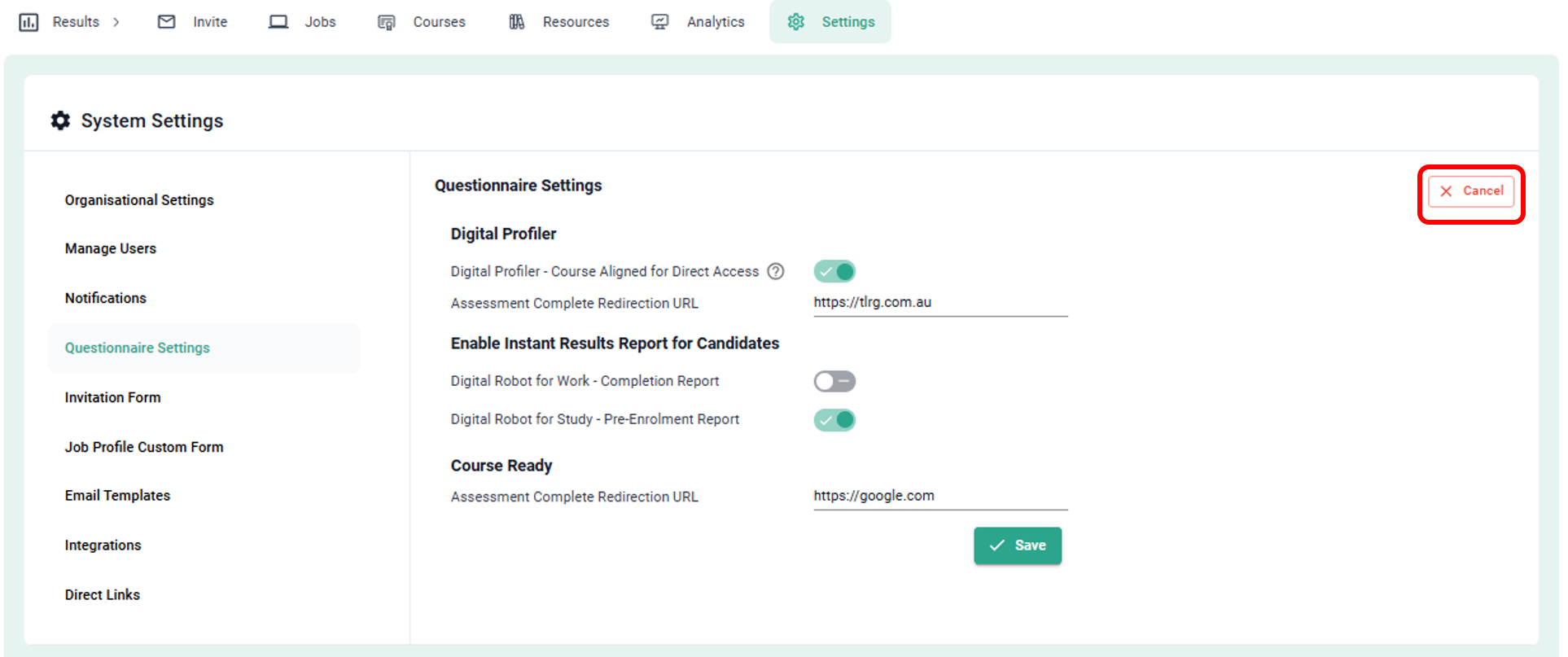
The Questionnaire Settings allows you to set a redirection URL for your questionnaires, and turn on functions such as the Digital Profiler - Course Aligned Questionnaire and the Instant Results Reporting Feature.
Note: This section of Digital Robot System is only available to Administrator level users.
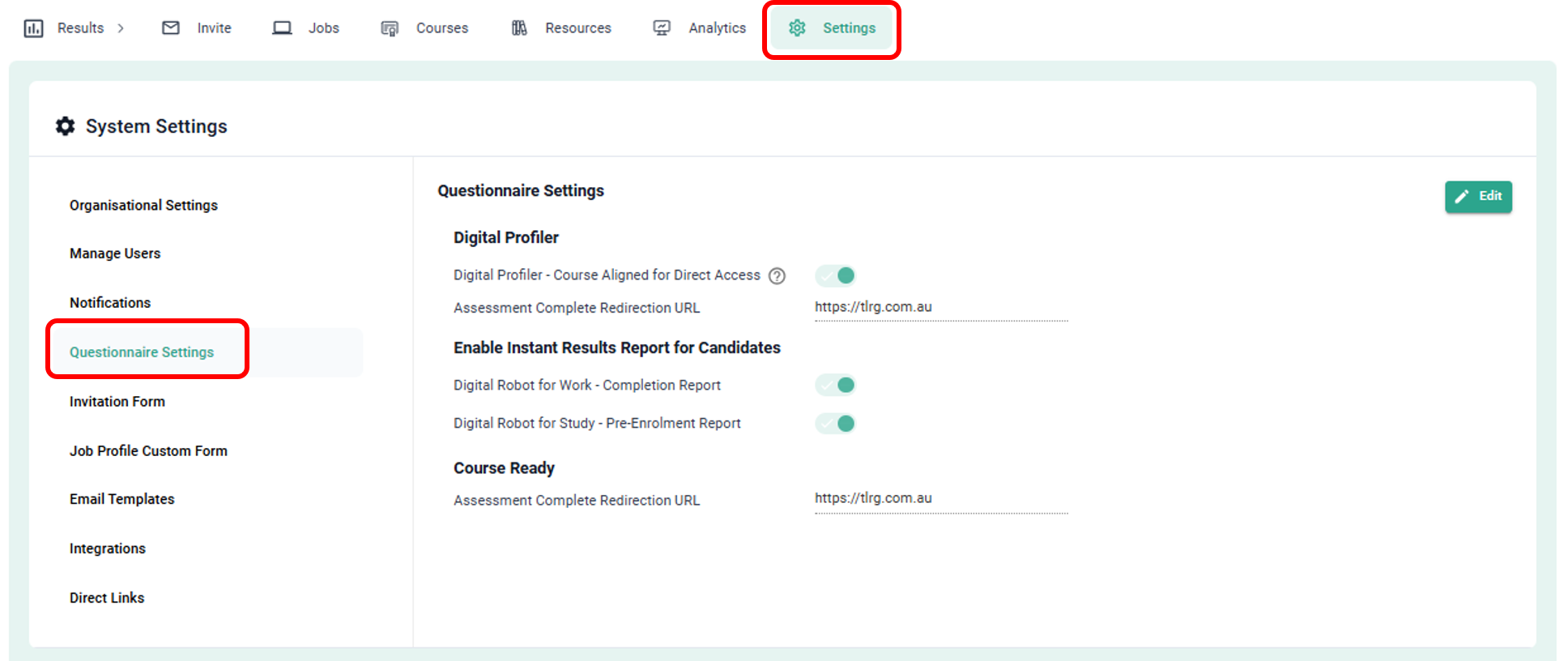
- To access these settings, click on Settings in the Main Menu and then click Questionnaire Settings.
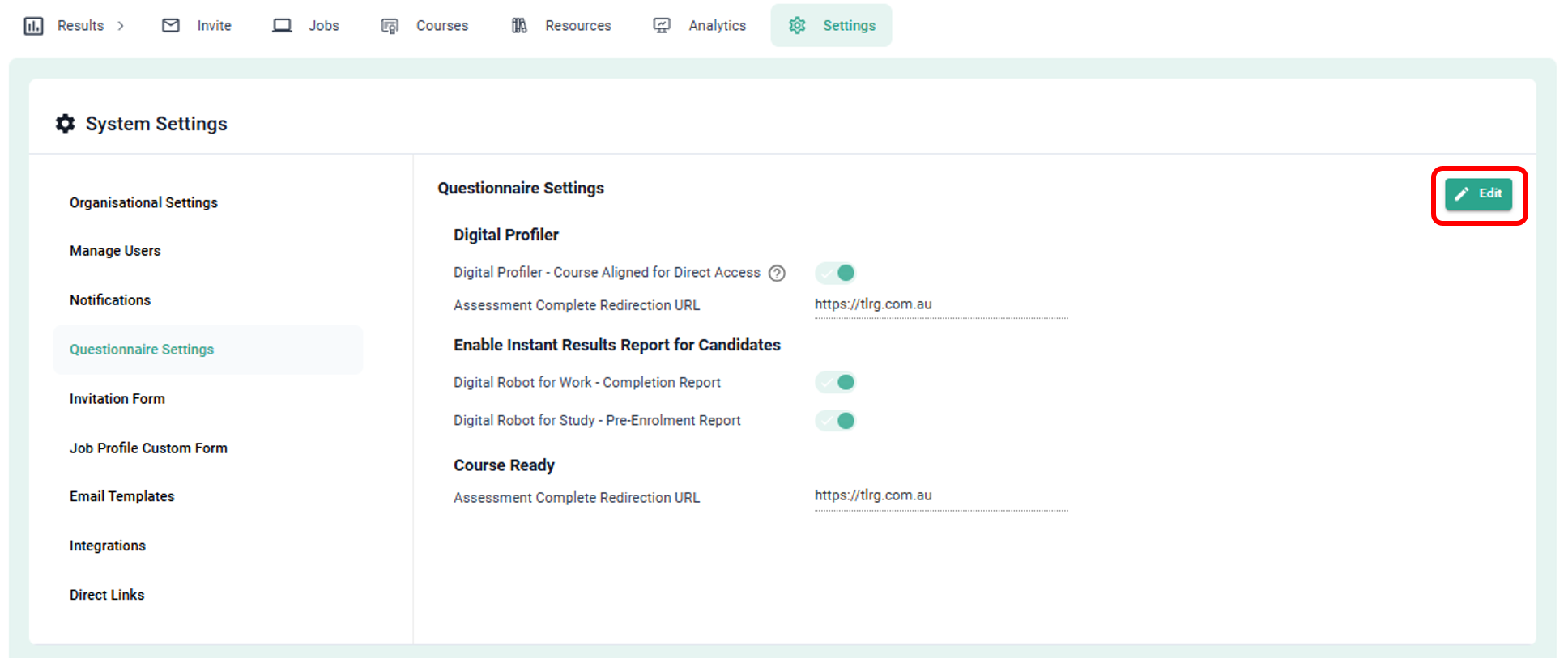
- To make changes click on Edit.
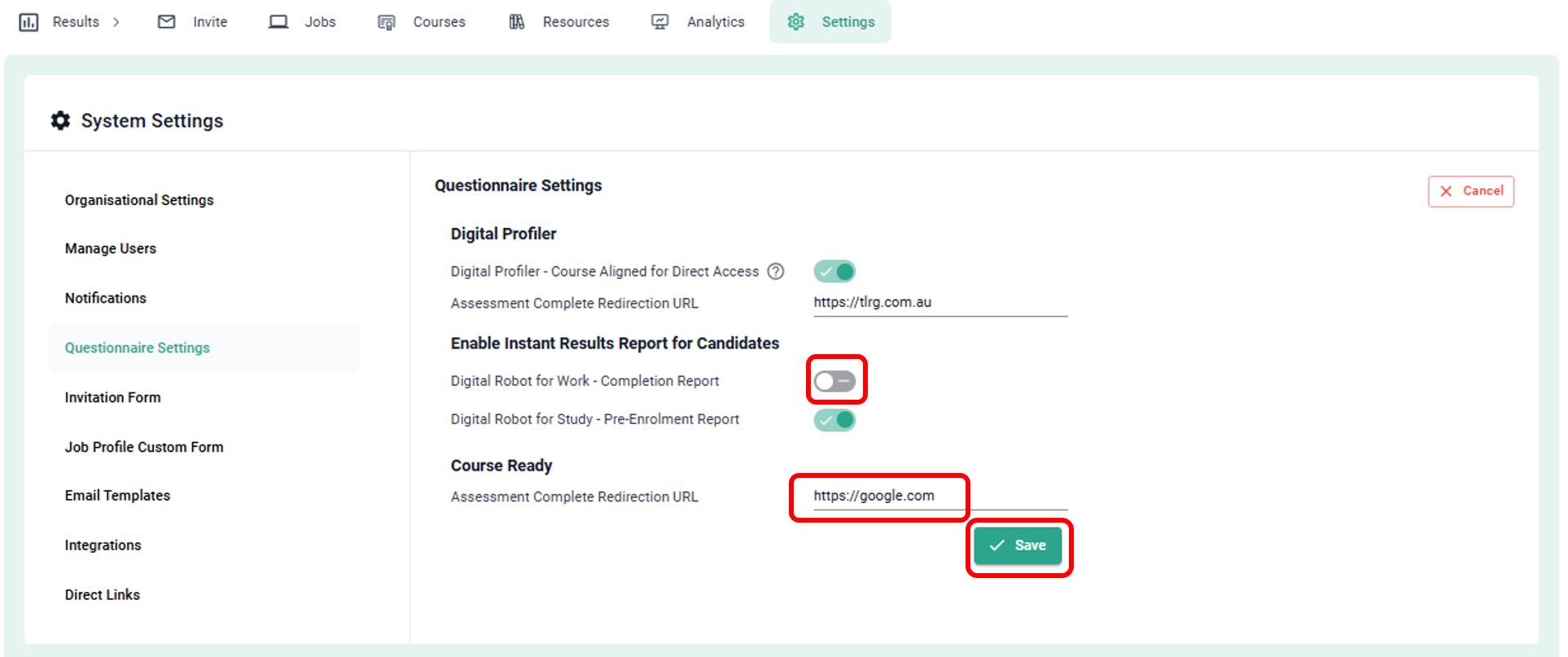
- You can then toggle specific functions ON (green) or OFF (grey), or enter new information, then click Save.
- If you change your mind, click cancel to exit without saving changes.